The three platforms for non-developers
You have three serious options for setting up an agent without writing code: Claude Projects (Anthropic), ChatGPT GPTs (OpenAI), and Gemini Gems (Google). Each one lets you save a prompt and a set of instructions once, then re-use them in a clean conversation each time. The differences matter for Israeli users and they matter for which kind of task you are doing.
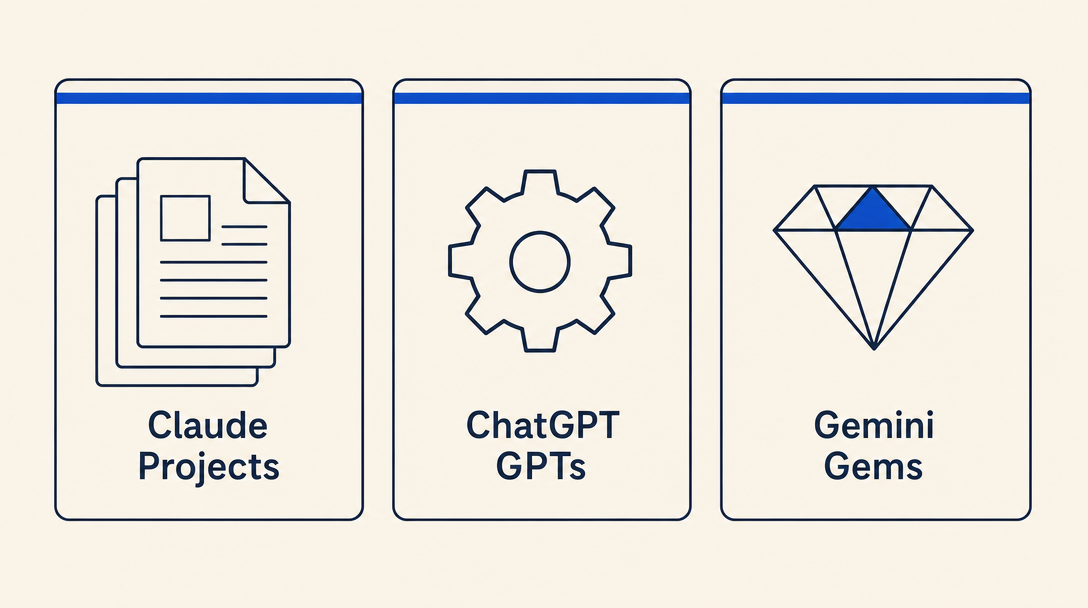
Claude Projects (Anthropic)
A Claude Project is a saved workspace with custom instructions and (optionally) reference documents. You write the instructions once, attach any reference files (a sample contract, your company style guide, a list of your products), and from then on every conversation inside that project starts with all of that context already loaded.
Best for: long-form thinking, careful writing, anything where you want the AI to deeply read and reason over your reference documents. Claude's writing in both Hebrew and English is consistently the most natural of the three. Hebrew handling is strong.
Setup steps:
- Go to claude.ai, sign in
- Click the "Projects" tab in the left sidebar
- "New Project", give it a name (e.g., "Contract drafter")
- Add "Project instructions" (your encoded mega-prompt: role, task, constraints, format)
- Upload reference files if you have any (PDFs, Word docs, spreadsheets)
- Start a new conversation inside the project; the instructions and files load automatically
Free tier: usable for short sessions. Claude Pro: around $20/month, expanded use and access to the best Claude models. Heavy users (long documents, many daily conversations) may hit Pro limits and upgrade to Claude Max ($100-200/month). Project availability on the free tier has changed over time; check claude.ai before assuming free-tier Projects work.
ChatGPT GPTs (OpenAI)
A GPT is a saved custom version of ChatGPT with its own instructions, knowledge files, and (for advanced users) custom actions that call external APIs. The GPT Store has thousands of pre-built GPTs you can use as starting points.
Best for: structured templates, scenarios where you want a clear input/output workflow, and use cases where someone else's pre-built GPT already does most of what you need.
Setup steps:
- Go to chatgpt.com, sign in
- Click "Explore GPTs" then "Create" in the top right
- Use the GPT Builder (you describe what you want; it generates the configuration) or "Configure" for direct editing
- Add the instructions, knowledge files, and conversation starters
- Save as private (just you) or unlisted (share via link)
Free-tier users can create and use GPTs with usage limits. ChatGPT Plus (around $20/month) expands the limits and unlocks the most capable GPT-4-class models. Start free; upgrade only when you hit a limit that actually blocks you.
Gemini Gems (Google)
A Gem is Google's equivalent of a saved custom AI assistant. The main differentiator: integration with Google Workspace (Gmail, Docs, Drive, Calendar). If your work happens in Google's ecosystem, Gems can read from your Drive and reference your Gmail and Calendar more fluidly than the other two platforms. (For write actions like "send this email" or "create this calendar event", you typically still need to approve each action manually; Gems do not silently send mail.)
Best for: workflows that involve your Google docs, your Gmail, your Calendar. Excellent for small business owners running on Google Workspace.
Setup steps:
- Go to gemini.google.com, sign in with your Google account
- Click the "Gems" section in the sidebar
- "Create new Gem"
- Give it a name, write the instructions, optionally tie it to specific Google Drive folders
- Save and use
Free tier includes basic Gem usage. The paid tier (currently branded Google AI Pro, around ₪97.90/month in Israel as of 2026, with a higher Google AI Ultra tier above) unlocks the more capable models and higher usage limits. Google rebrands this product periodically; check gemini.google.com for current naming and pricing before subscribing.
Hebrew handling, briefly
All three platforms support Hebrew. The practical differences:
- Claude: writes the most natural Hebrew of the three, especially for long-form content. Best for anything where the Hebrew quality really matters (legal drafts, marketing copy, public-facing emails).
- ChatGPT: solid Hebrew, occasional awkward phrasing on complex sentences. Best for structured outputs and templates where occasional phrasing tweaks are acceptable.
- Gemini: improving fast. Best when you need Hebrew + tight Google Workspace integration.
If your task is "write a beautiful Hebrew thank-you letter," Claude. If it is "extract structured data from this Hebrew email and put it in my spreadsheet," any of the three. If it is "draft a Hebrew email replying to this one in my Gmail," Gemini.
A practical first step
Before paying for any of them, do this: take the longest prompt you have ever typed into a chatbot for repeated work. Set it up as a Claude Project (free tier), a ChatGPT custom instructions block (free for basic use), or a Gemini Gem (free tier). Run it three times on real tasks. You will know within an hour which platform suits how you work.
The most common mistake in Chapter 2: paying for premium on all three before exhausting the free tiers. Pick one. Use it for a week. Decide if it earns the subscription. The features that matter to you become clear quickly.
Want to keep reading?
Sign in to unlock the rest of the course and track your progress.